
Remote support
Get an engineer on your screen, usually within minutes
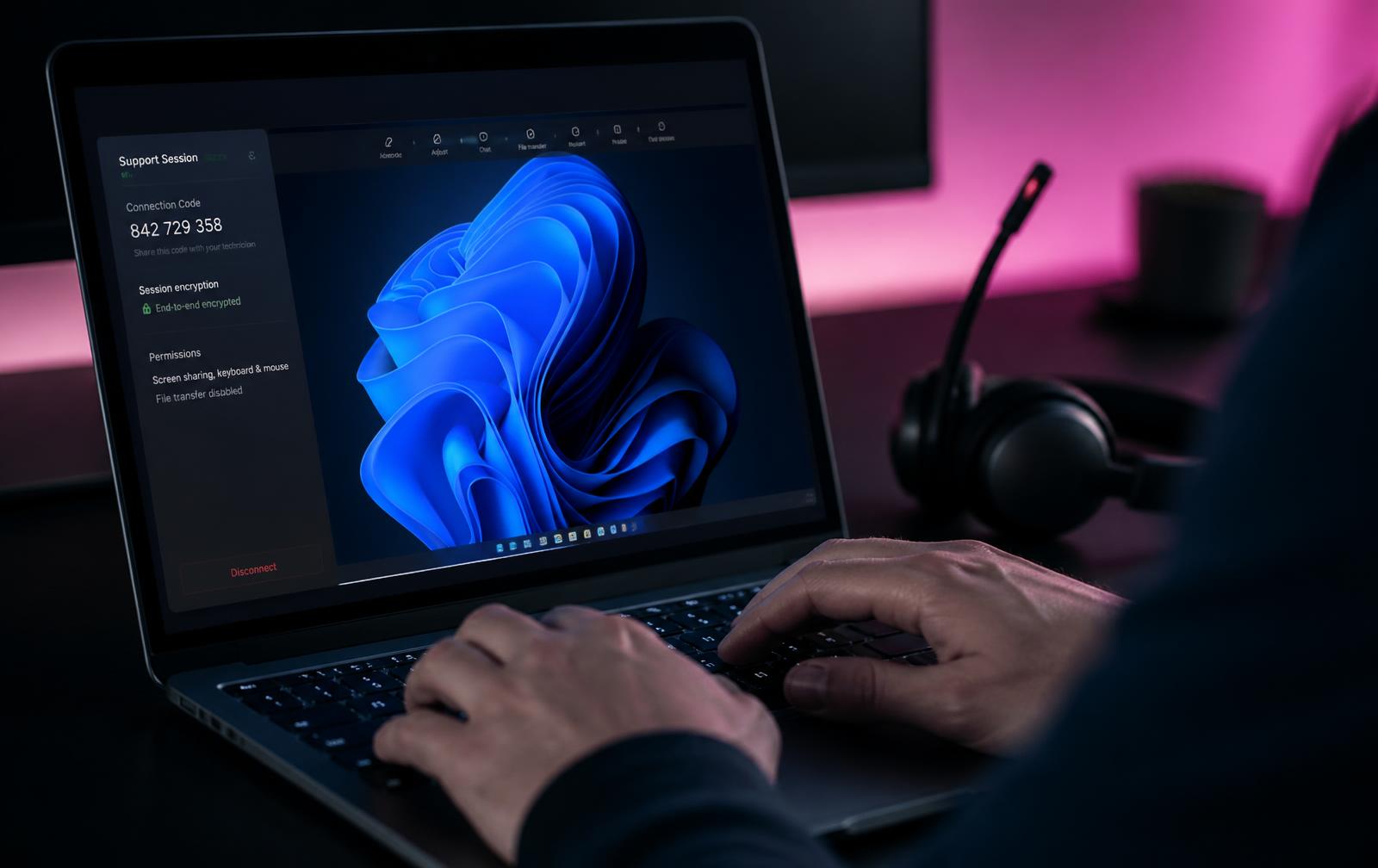
Remote support is the fastest way to resolve most faults. Sessions are encrypted, require your approval, and end the moment you close them — you watch everything that happens on your own device.
End-to-end encrypted
AES-256 session transport
Permission based
You approve every connection
24/7/365
Four time zones on shift
Four steps, start to finish
1. Request a session
Tell us who you are, which device is affected and what is happening. Urgent outages should also be phoned through so we can escalate immediately.
2. Approve the connection
We send a one-time link or nine-digit code. Nothing installs permanently and nothing connects until you accept the prompt on your own screen.
3. We work it with you watching
You keep control of your screen and see every action. We narrate what we are doing and stop if you want to pause or ask a question.
4. Documented and closed
The fix, the cause and any follow-up actions are written into your ticket so the same fault does not quietly repeat next month.
Coverage
Platforms we support remotely
Windows 10 / 11
Full desktop, server and Entra-joined devices
macOS
Sonoma and later, including managed Apple devices
iOS & iPadOS
Guided screen sharing for mobile faults
Android
Screen share and configuration walkthrough
Windows Server & Azure
Console access on managed infrastructure
Network hardware
Firewall, switch and access point remote sessions
We use enterprise remote support tooling with per-session consent, session recording on managed fleets, and no permanently installed agent on non-managed devices. If your organisation prohibits remote access, we work by phone and documented instructions instead.
Before you request a session
- Save any open work — some fixes require a restart
- Write down the exact error message, word for word
- Note when the issue started and whether anything changed
- Have your device on mains power and connected to the internet
- Be available by phone so we can walk you through the approval prompt
Remote support questions
- How does a remote support session work?
- You request a session, we send you a one-time connection link or code, and you approve the connection on your screen. You can see everything the engineer does and end the session at any time.
- Is remote support secure?
- Sessions are end-to-end encrypted, require your explicit approval to start, are limited to the device you approve, and are logged against your ticket. Unattended access is only ever enabled on managed devices with your written agreement.
- Can you fix my issue without remote access?
- Often, yes. Password resets, mail routing, DNS, licensing and server-side faults are usually resolved without touching your device at all. Remote access is for faults that live on the endpoint.
- Do I need to be a managed client?
- No. We provide pay-as-you-go remote support for non-clients, quoted before the session starts. Managed clients are covered under their agreement with no per-session charge for included items.
Prefer to lodge a ticket or check response targets? See the support centre, or email [email protected].